
















Puget Systems is best known in the workstation scene for its specially customized high-performance PCs, which are tailored to the requirements of creative professionals, engineers and scientists. In addition to the hardware, the company has created its own benchmark portfolio with the so-called PugetBenches, which are not based on synthetic workloads but are executed directly in real applications. The tasks range from basic activities such as image scaling, cropping or layer operations to more complex functions such as smart filters, camera raw or automated batch processing. GPU-accelerated features such as Blur Gallery or transformation filters are also included, so that both CPU and GPU performance are included in the overall rating.
The result of the benchmark is made up of several partial values that separately record performance in general tasks, GPU-accelerated effects and memory-intensive operations. From this, an overall score is formed, which allows direct comparability between systems. The advantage for the user is that the results are based on real behavior within Photoshop and not on simplified scenes or synthetic tests.
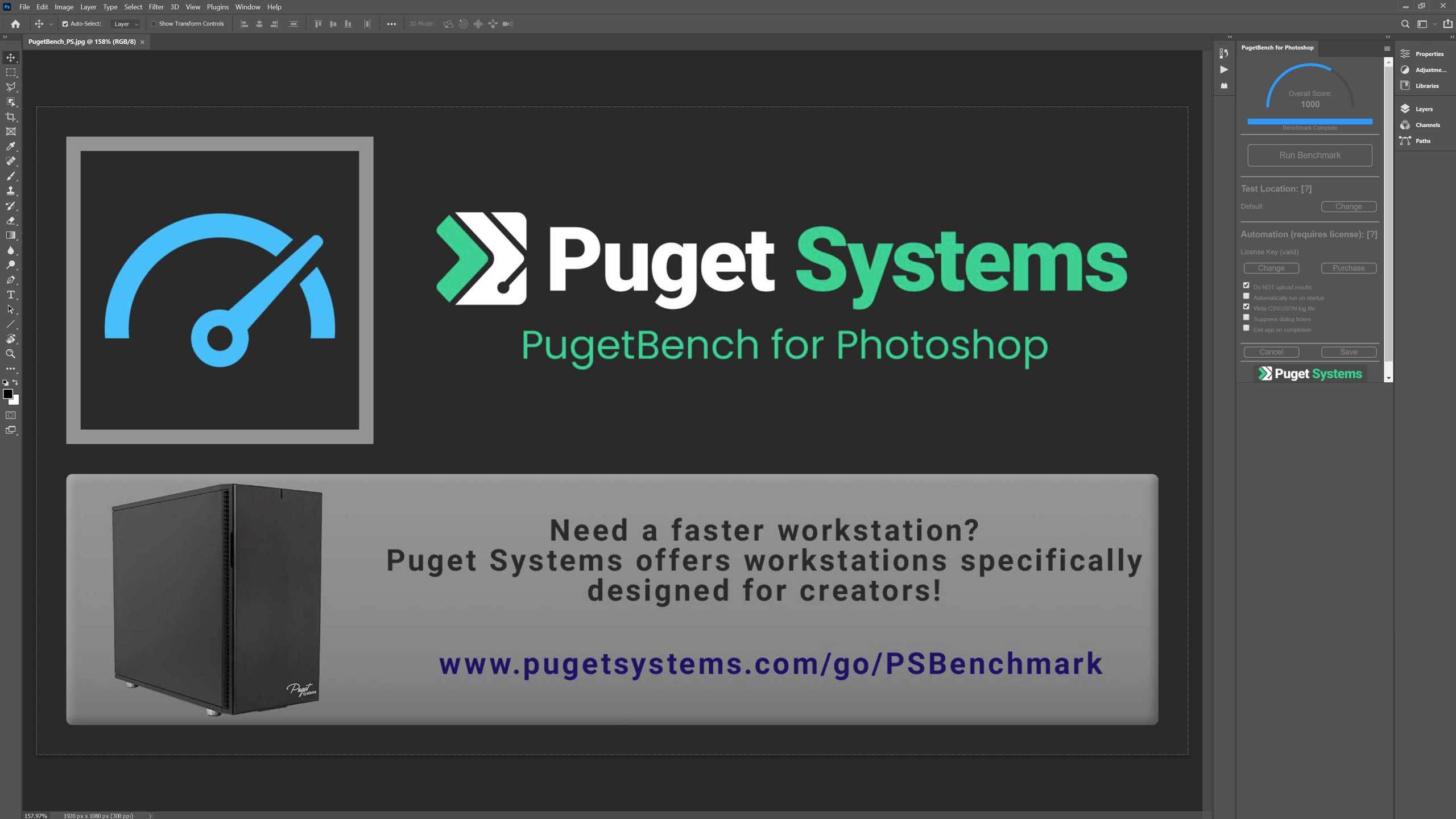
By running this benchmark, users get a quantitative value that reflects the performance of their hardware in relation to Photoshop. This is especially useful for professionals or enthusiasts who want to make sure their hardware configuration is optimized for working in Photoshop. Each individual task is run a total of three times, with the fastest result being used to determine the final score. A complete run should take about 15-30 minutes, but may vary depending on the performance of the system. It is definitely impossible to test everything in Photoshop, but this benchmark is designed to test a wide range of tasks to get an accurate overall picture.
General tasks:
- open 18MP .CR2 RAW image
- scale to 500MB*
- rotate
- select with magic wand
- Mask refinement
- Bucket fill
- Gradient
- content-based fill
- save .PSD file and open .PSD file.
Filter tasks:
- Camera Raw filters
- Lens correction
- Noise reduction
- intelligent sharpening*
- Field blur
- Tilt-shift blur
- Iris blur
- adaptive wide angle
- Liquefy
Overall Score
In the overall result of the PugetBench workload, the AMD Radeon AI R9700 and the Radeon RX 9070XT are practically tied at the top. With 14005 points, the R9700 achieves a minimal lead over the RX 9070XT with 13900 points, which is hardly noticeable in practice. Both models benefit from the identical architecture and make full use of the GPU-accelerated routines. The difference of 105 points is within the range of normal benchmark variance and shows that the additional memory of the R9700 hardly plays a role in Photoshop. The Radeon Pro W7800 is clearly behind with 13365 points, but remains within a solid range for workstations. Its certified drivers rather than raw speed give it an advantage in everyday use. For Photoshop users, there is no clear functional advantage between the R9700 and RX 9070XT that would force a preference, as both models perform almost identically.

General Score
The general score confirms this picture. The Radeon AI R9700 and the RX 9070XT share the top position with 142 points each. This illustrates once again that Photoshop primarily benefits from optimized GPU pipelines, but less from large memory configurations or special Pro features. Here too, the Radeon Pro W7800 remains at a stable level with 140 points, but without an advantage over the gaming-derived models. This is sufficient for typical 2D workloads with complex layer structures or filters, but it is clear that AMD’s new consumer architecture works particularly efficiently in Photoshop.

Filter Score
The filter score shows a somewhat more differentiated picture, but remains consistent in principle. The Radeon AI R9700 leads with 138 points, followed by the RX 9070XT with 136 points. This shows that GPU-intensive filters such as soft focus, sharpening routines or AI-supported functions can benefit slightly from the higher internal bandwidth of the R9700. However, the advantage remains moderate and should only be noticeable in special scenarios. The Radeon Pro W7800 ranks behind it with 128 points, which is understandable given the more conservative driver optimizations for professional environments. For users who primarily use Photoshop for image-based filter chains, the consumer models still have a clear advantage.

File Open
When opening large files, a special feature of this benchmark becomes apparent: The GPU plays a much smaller role here, as the runtime is mainly influenced by CPU performance and memory latencies. Accordingly, the Intel Arc Pro B60 and B50 lead with 0.85 and 0.90 seconds respectively. The Radeon models follow closely behind. At 1.04 seconds, the Radeon AI R9700 is just ahead of the RX 9070XT at 1.07 seconds. The difference is minimal and hardly relevant in everyday use. The Radeon Pro W7800 also needs around the same time at 1.08 seconds. For this part of the workload, there are therefore no significant advantages from larger memory volumes or professional drivers.

Interim conclusion
Photoshop only scales with GPU performance to a limited extent and rewards optimized pipelines and high single-task efficiency above all. As a result, the Radeon AI R9700 and the Radeon RX 9070XT are almost on a par and currently offer the best performance of the models tested. The larger memory of the R9700 only provides an advantage in exceptional cases, as Photoshop rarely uses more than 12 to 16 GB of GPU memory, even in extensive projects. The Radeon Pro W7800 remains technically solid, but cannot keep up with the consumer cards in a direct performance comparison. Nevertheless, it remains an option for professional users if certified drivers are a priority. In all GPU-heavy sub-tests, AMD is the clear leader with the current generation, while differences within the product family remain small and therefore primarily price and intended use decide the choice.

- 1 - Introduction and technical data
- 2 - Test system and equipment
- 3 - Autodesk AutoCAD
- 4 - Autodesk Inventor Pro
- 5 - PTC Creo
- 6 - Dassault Systèmes Solidworks
- 7 - Autodesk Maya
- 8 - SPECviewperf 15 (2025)
- 9 - Adobe Photoshop 26.10
- 10 - Adobe After Effects 2025
- 11 - Adobe Premiere Pro 25.41
- 12 - KI Benchmarks (AI Vision, Image, Text)
- 13 - Rendering
- 14 - Temperatures, clock rate, fans, noise and power draw
- 15 - Summary and conclusion






19 Antworten
Kommentar
Lade neue Kommentare
Urgestein
Mitglied
Urgestein
1
Urgestein
Mitglied
1
Mitglied
Mitglied
Urgestein
1
Urgestein
1
Urgestein
Veteran
1
Veteran
Veteran
Urgestein
Alle Kommentare lesen unter igor´sLAB Community →