















The ASUS ROG Strix XG27AQDMG comes with a WOLED panel from LG, the special thing about this panel is that it has a glossy finish. Until now, LG OLED monitors were only available with a matte panel, so glossy fans should get their money’s worth today. Basically, the XG27AQDMG has inherited a lot from the PG27AQDM. If you place both monitors next to each other, you can basically only tell the difference by the stand. Unfortunately, the XG27AQDMG still has the old RWBG subpixel layout. This has a negative impact on text readability.
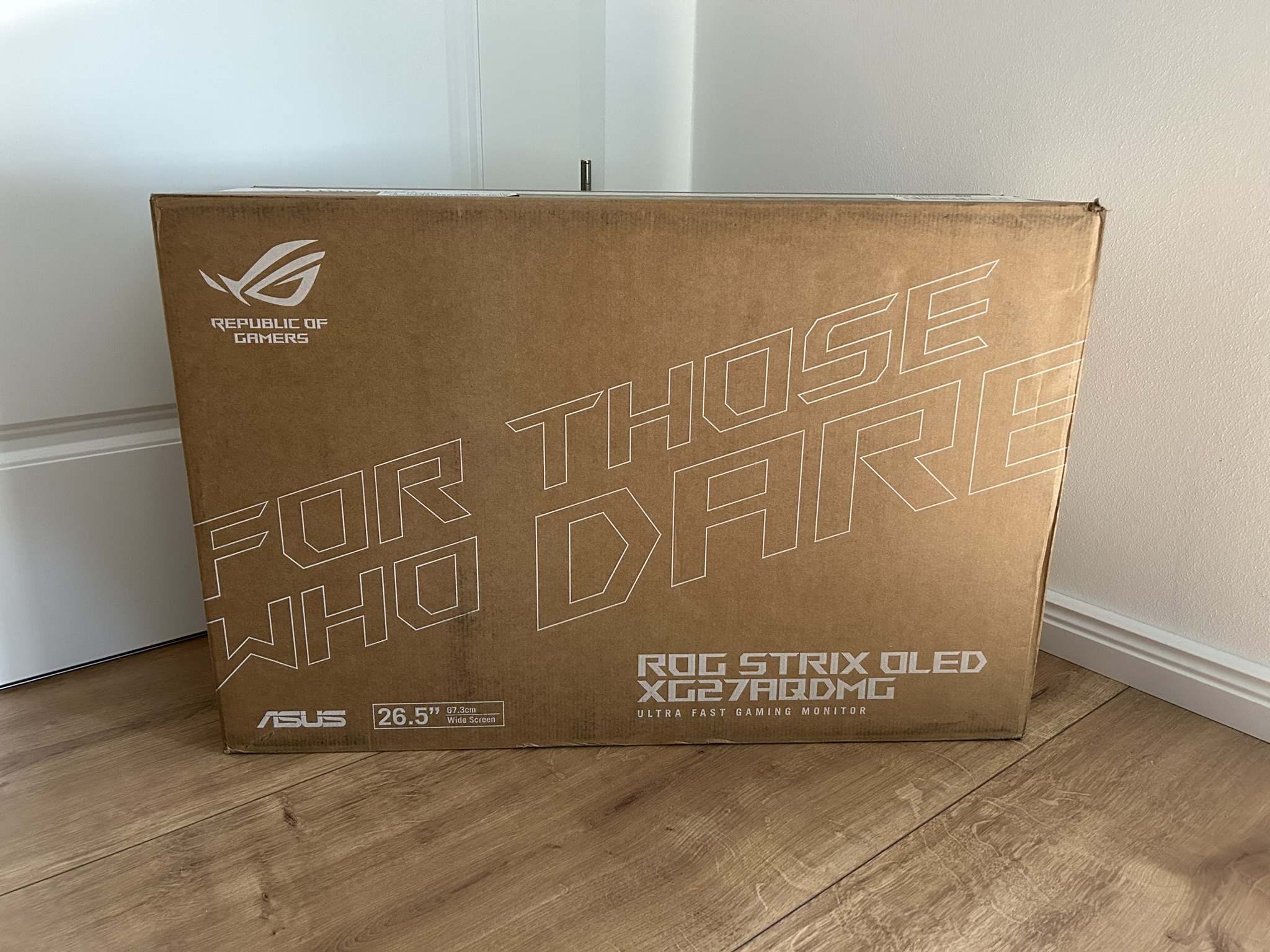
You can tell that you’re buying a Strix and not a Swift monitor from the packaging. Much less conspicuous! Nevertheless, the monitor arrives at your home sufficiently well packaged. Even if the choice of materials is not really environmentally friendly.
If you would like to take a look at the ASUS ROG homepage, you can follow the link: Click here!
Specifications
That all sounds quite promising at first. There are a few things I miss here. Why is ASUS only using HDMI 2.0 here? This limits the refresh rate to just 144 Hz. No USB-C and therefore no KVM switch. But let’s take things one step at a time, starting with the ergonomics. Next page.

- 1 - Introduction, Features and Specs
- 2 - Workmanship and Details
- 3 - How we measure: Equipment and Methods
- 4 - Pixel Response Times
- 5 - Display Latencies
- 6 - Color-Performance @ Default Settings
- 7 - Direct Comparison and Power Consumption
- 8 - Color-Performance calibrated
- 9 - HDR-Performance
- 10 - Summary and Conclusion
























26 Antworten
Kommentar
Lade neue Kommentare
Veteran
Urgestein
Urgestein
Veteran
1
Veteran
Urgestein
Mitglied
Urgestein
Urgestein
Veteran
Urgestein
Mitglied
Urgestein
Urgestein
Veteran
Urgestein
Veteran
Urgestein
Alle Kommentare lesen unter igor´sLAB Community →