















Yes, ASRock has now also arrived on the monitor market. The ASRock Phantom Gaming PG27FFX2A was sent to me by ASRock – with the request that I take a closer look at the monitor. The PG27FFX2A offers a 27 inch Full-HD (1920 x 1080p) IPS panel with 520 Hz refresh rate and 10 bit (8 FRC) color depth. This results in a pixel density of 81 ppi, which is quite low, but with a sitting distance of approx. 80 cm, it’s not too tragic. The test readability is very good thanks to the RGB subpixel layout. Let’s take a look at what else the PG27FFX2A has to offer. Let’s start with the packaging:
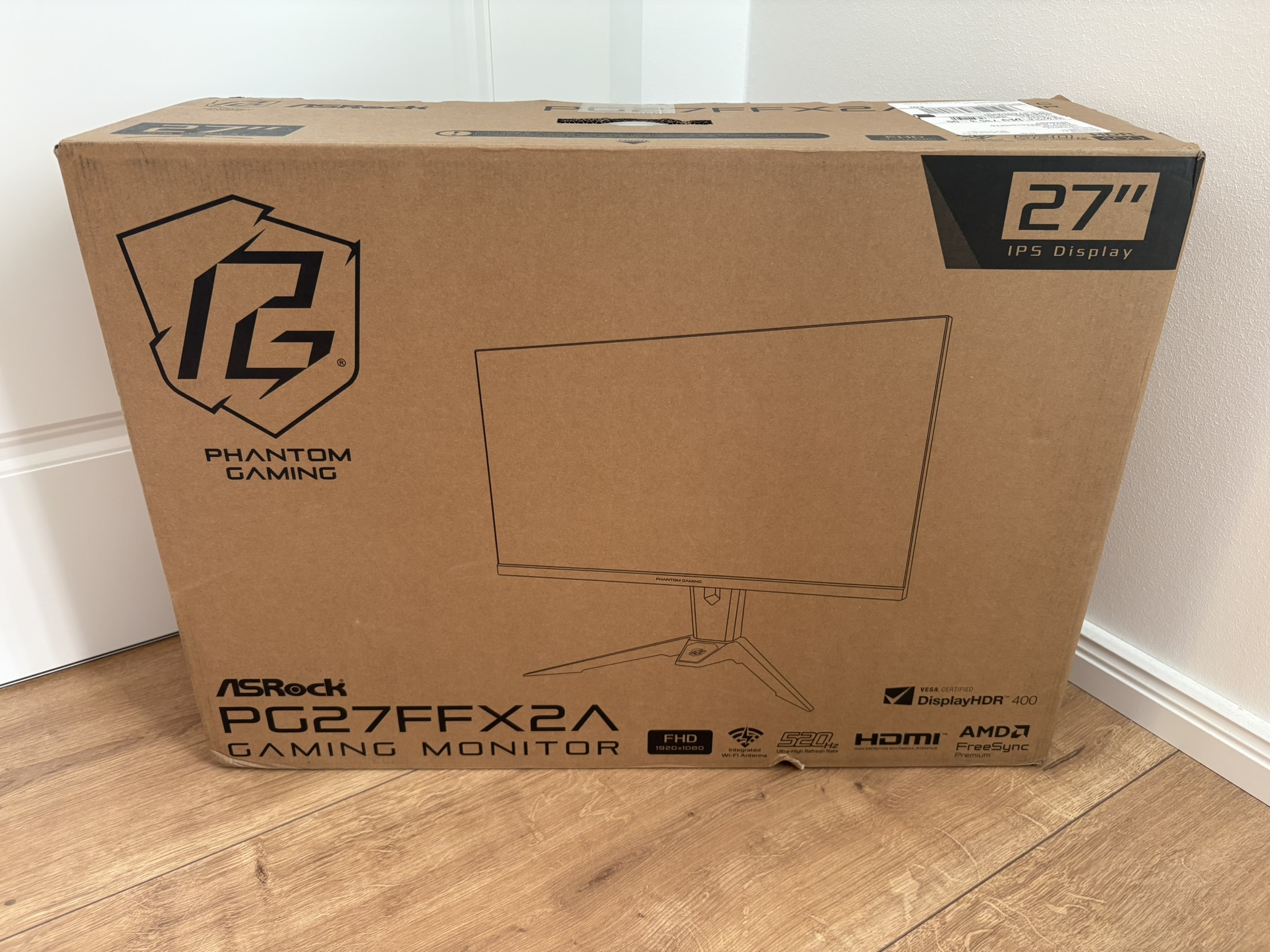
From the outside, the letter carrier can see at a glance what he is delivering to your home. It’s all printed on the packaging. You can do it this way, but you don’t have to!
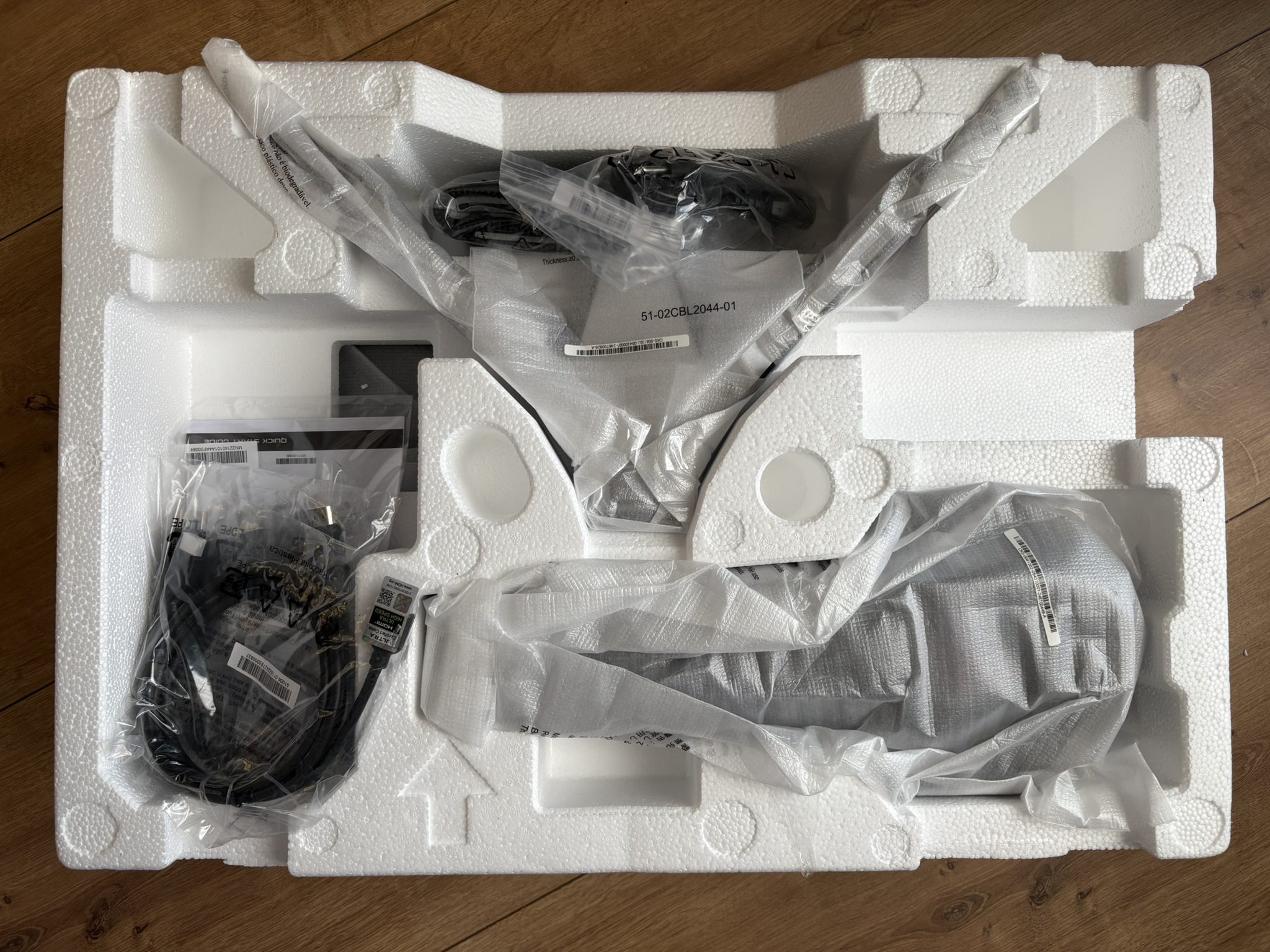
From the inside, you get the expected picture: Styrofoam at its finest. When you unpack it, the balls fly all over the room. Personally, I don’t like this stuff at all. If, like me, you constantly have to unpack monitors, then this type of packaging is a no-go! As practical as Styrofoam may be, there are alternatives.
As always, I have linked you to the standard data sheet. If you want to take a look at the ASRock homepage: Click here!
Technical data
Now that everyone has read the data sheet, I assume that you are dying to know: How good is the WiFi antenna in the stand of the PG27FFX2A? That’s why I’m doing pure WiFi measurements today, with and without directional radio. To do this, I pointed my dipole antenna on the roof in the direction of Chemnitz. Next to it is the PG27FFX2A as an amplifier and I’m now transmitting a funny 520 Hz DiDiDat to Igor’s office in the hope that I can use it to switch the lights on and off in his lab.
So back to the serious business. The PG27FFX2A will be launched in Germany with an RRP of 545.90 euros. When will that happen? I can’t tell you as of today, I’m waiting for feedback from ASRock. It is currently not available. But now, let’s start with the ergonomics, the connections and the OSD. Next page please…

- 1 - Introduction, Features and Specs
- 2 - Workmanship and Details
- 3 - How we measure: Equipment and Methods
- 4 - Pixel Response Times
- 5 - Display Latencies
- 6 - Color-Performance @ Default Settings
- 7 - Direct Comparison and Power Consumption
- 8 - Color-Performance calibrated
- 9 - HDR-Performance
- 10 - Summary and Conclusion












20 Antworten
Kommentar
Lade neue Kommentare
Urgestein
Mitglied
Veteran
Urgestein
Moderator
Urgestein
Urgestein
Moderator
Urgestein
Veteran
Urgestein
Neuling
Urgestein
Veteran
Urgestein
Veteran
Urgestein
Moderator
Moderator
Alle Kommentare lesen unter igor´sLAB Community →